An image editor for stills and carousels
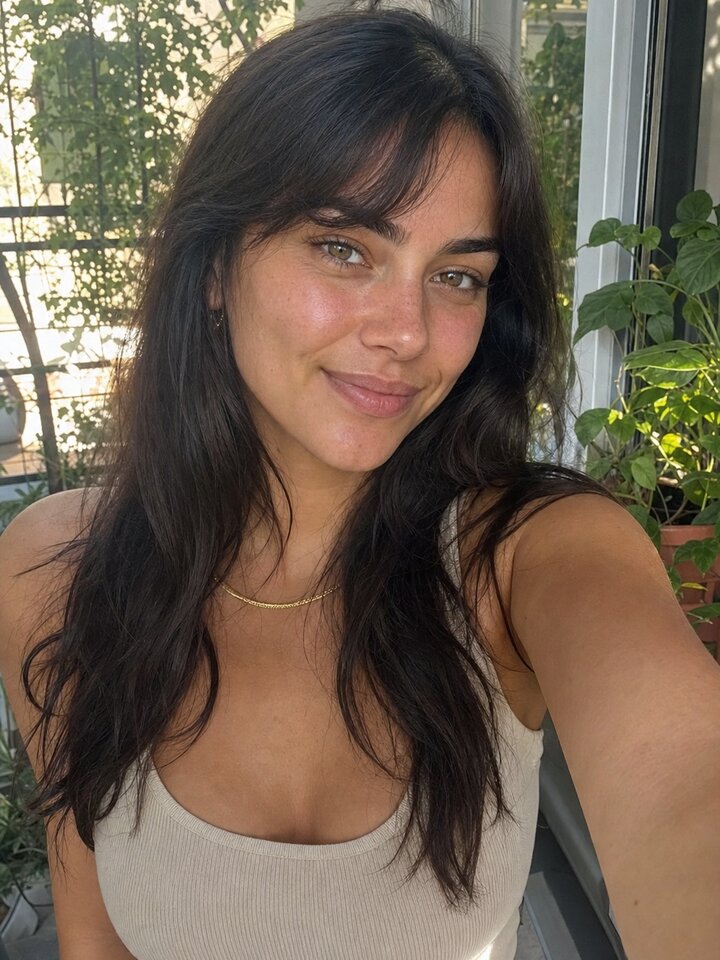
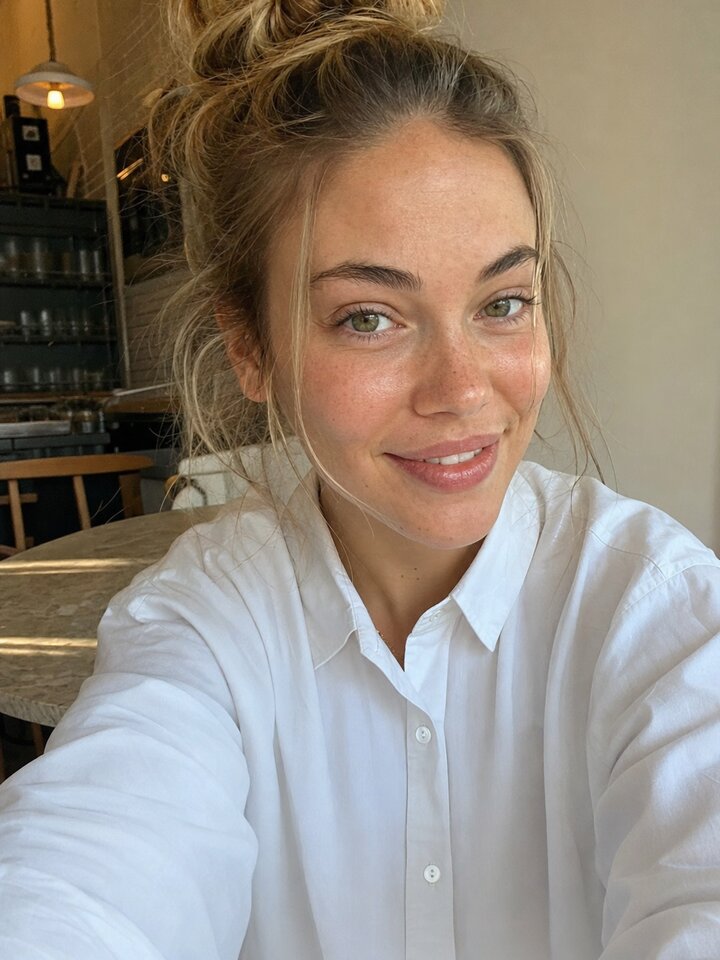
Design one image or a multi-page carousel on the same canvas: crop, backgrounds, templates, stickers, text and fonts, sized for the channel it lands on. Save it to your brand media and schedule it.
Image editor
- Page formats
- 33
- Fonts
- 30
- Channels covered
- 7
Image editor: what it does
- 01
The image editor turns one image into a carousel of pages, switched in one click.
- 02
The image editor carries 33 page formats across Instagram, Facebook, TikTok, YouTube, X, Pinterest and LinkedIn.
- 03
The image editor crops with a locked ratio and adjusts backgrounds, filters and effects.
- 04
The image editor layers templates, stickers, shapes, text and 30 fonts how you want them.


Image editor: how it works
- Step 1
Pick the format
Choose the channel format or type your own size. Quick tiles cover 16:9, 9:16, 1:1 and 4:5.
- Step 2
Build the page
Start from a template or a blank canvas, then add images, text, shapes and stickers.
- Step 3
Add pages, then ship
Add pages to make a carousel, then save it to your brand media to schedule.

Image editor: questions
Can I make carousels?
Yes. Start with one image and turn it into a carousel, or start as a carousel. Every page shares the same format, and you can reorder and duplicate pages.
Which sizes are supported?
33 presets across Instagram, Facebook, TikTok, YouTube, X, Pinterest and LinkedIn, plus any custom size up to 4096 px a side.
What can I do to a photo?
Crop it with a locked aspect ratio, adjust it, apply a filter or an effect, and set a color or image background behind it.
How do I publish it?
Save it to your brand media and schedule it to a connected channel, or download the pages as PNG. Nothing goes live until you schedule it.
Ready to retire the shoot day?
Your first video takes about 7 minutes. Nothing goes live until you schedule it.
Rated 4.9/5 by 180+ content teams · First video in about 7 minutes · Nothing goes live until you schedule it